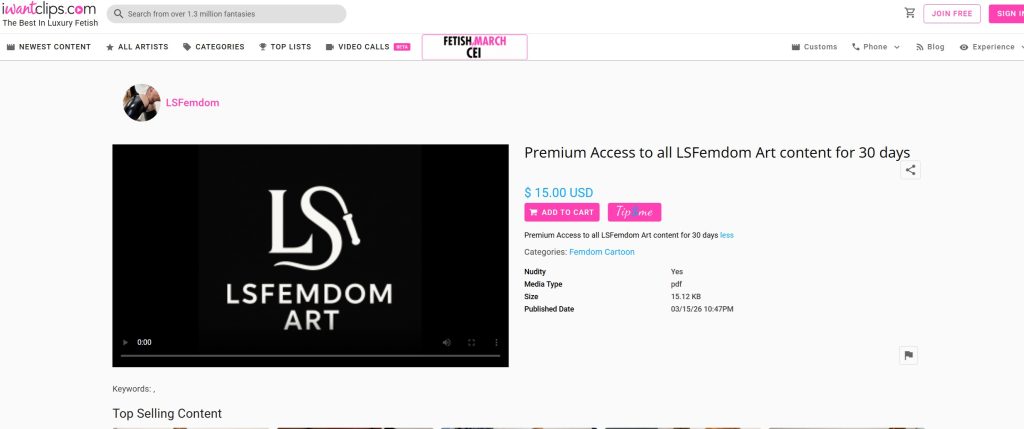
You can purchase an access code using the links below on the iwantclips.com website.
Upon purchase, you receive a PDF file containing just one line: [Your XX-day access code: XXXXX-XXXXXXXX].
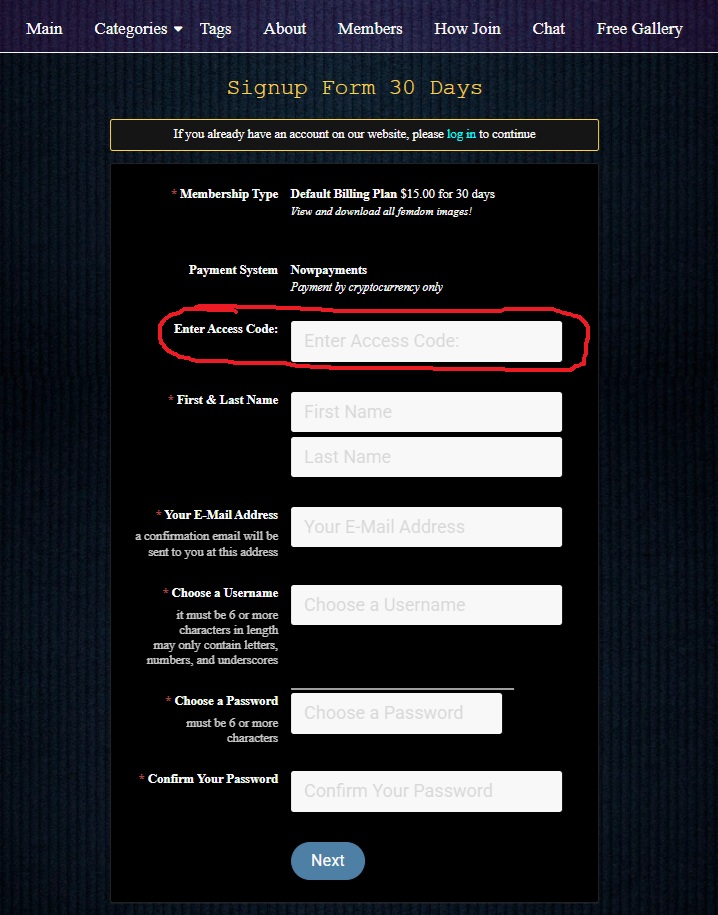
Depending on the period for which you purchased the access code (30 days, 90 days, or 1 year), select the appropriate button below to register and then paste the access code into the special [Enter Access Code] field during registration.
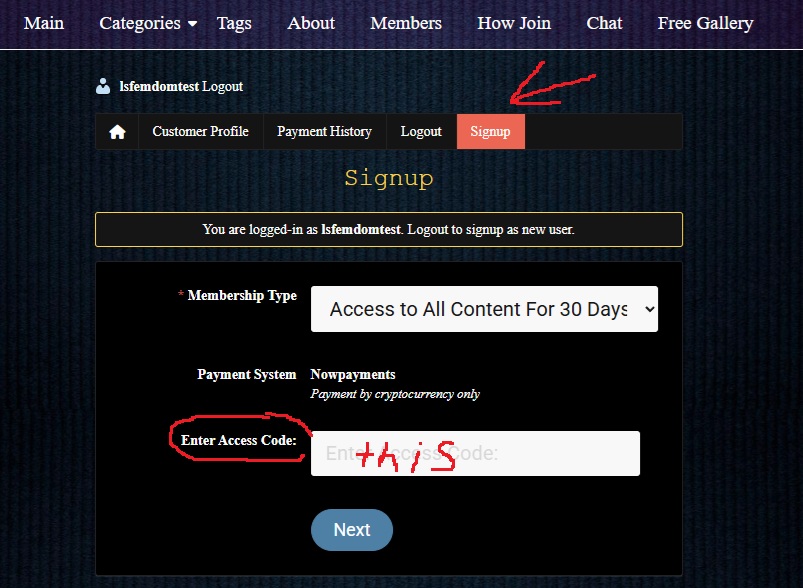
If you’ve already registered (by trying to pay with cryptocurrency or by already having access and want to extend it with an access code), click the [Members] button in the main menu to go to your profile page. Select the [Signup] tab in the menu. Choose one of three options (depending on the period for which you purchased the access code): 30 days, 90 days, or 1 year. and paste the access code into the [Enter Access Code] field below.
Once you’ve filled in all the required fields and entered the access code, click [Next] at the bottom. Done! However, you’ll see a message on the page: “An Error Has Occurred.” Don’t worry, everything is fine, you already have access! Just click [Main] in the main menu and view all Femdom Arts without restrictions.
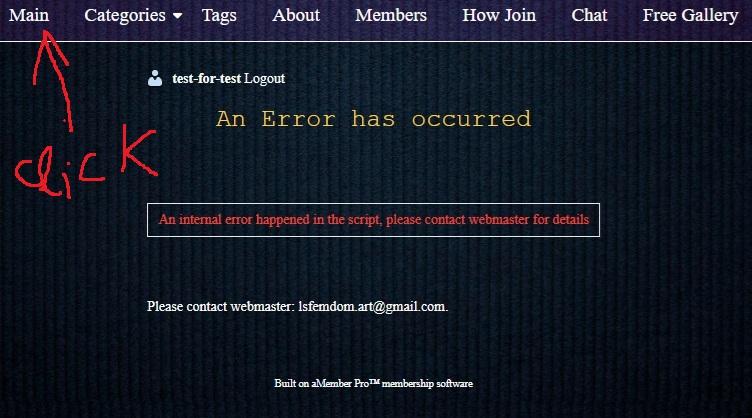
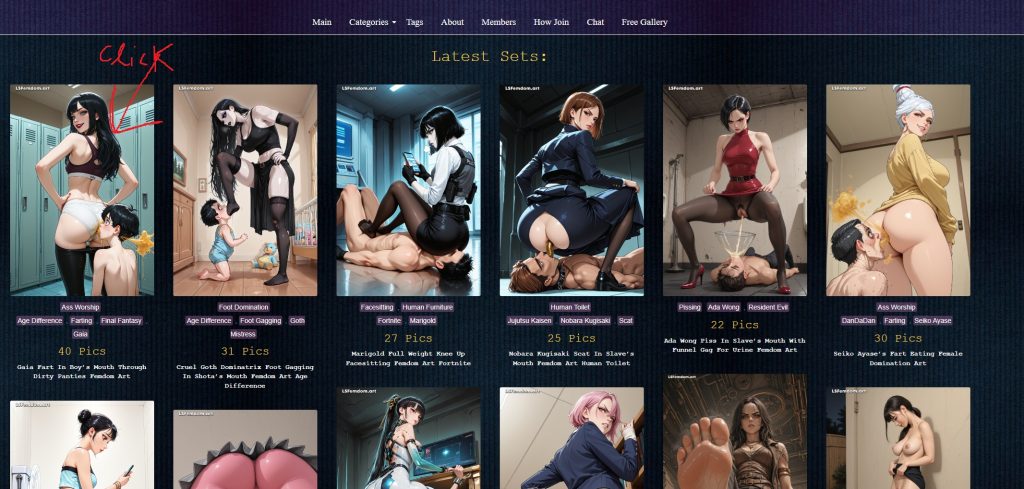
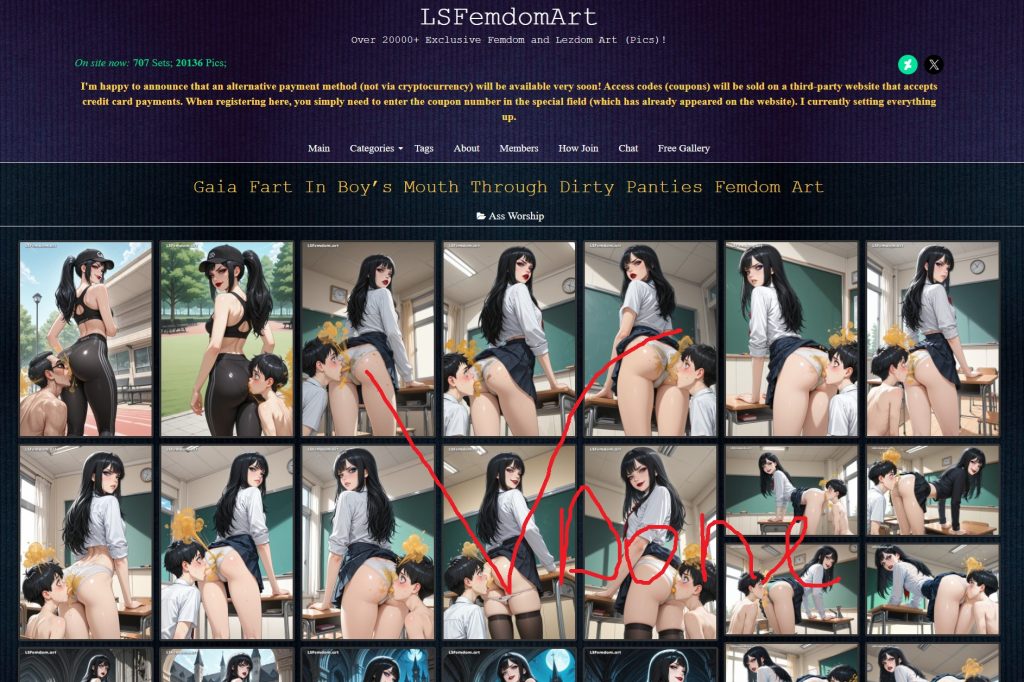
I don’t know why it’s showing this error; I’ve tried everything. I’ve registered and entered promo codes many times myself – everything works, but the error still appears on the screen every time, even though your access has already been counted; you just need to ignore it. (I hope I’ll figure out how to fix it soon.) It’s just that it can’t redirect you to the page that says “Thank you for your subscription!” and that’s why it shows the error.